See the month between visits.
A patient app your clinic hands out, and the dashboard that reads it. For clinics that prescribe peptides, GLP-1s, hormone therapy and other treatments.
How it works
It starts with a code from the clinic, then the app and the dashboard read the same rows.
 1
1Hand over a code
Staff provision the patient from the chart. The account exists before the patient installs anything. Eight characters, read out in the room.
 2
2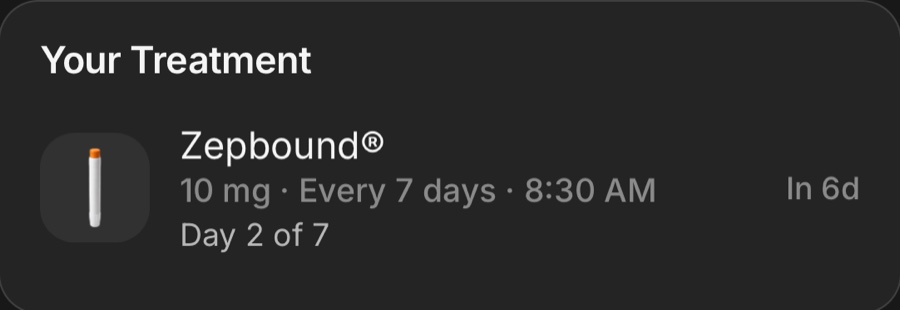
The app already knows them
Name, medications, height, starting weight and targets come off the chart. No password, no empty first week.
 3
3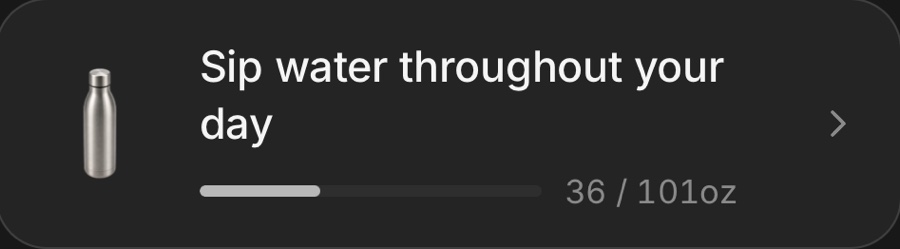
They log the month
The dose, meals by photo, water, side effects tied to the dose they followed, mood, sleep from the watch, and a progress photo when the app asks.
 4
4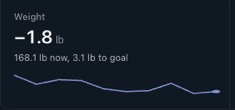
The clinic sees it
Every log lands on the dashboard as it happens. At the next visit, staff open the patient's page in the room instead of asking how it has been going.
Built around the treatment, not a food diary.
Every screen the patient opens is the real app, in the clinic's name.
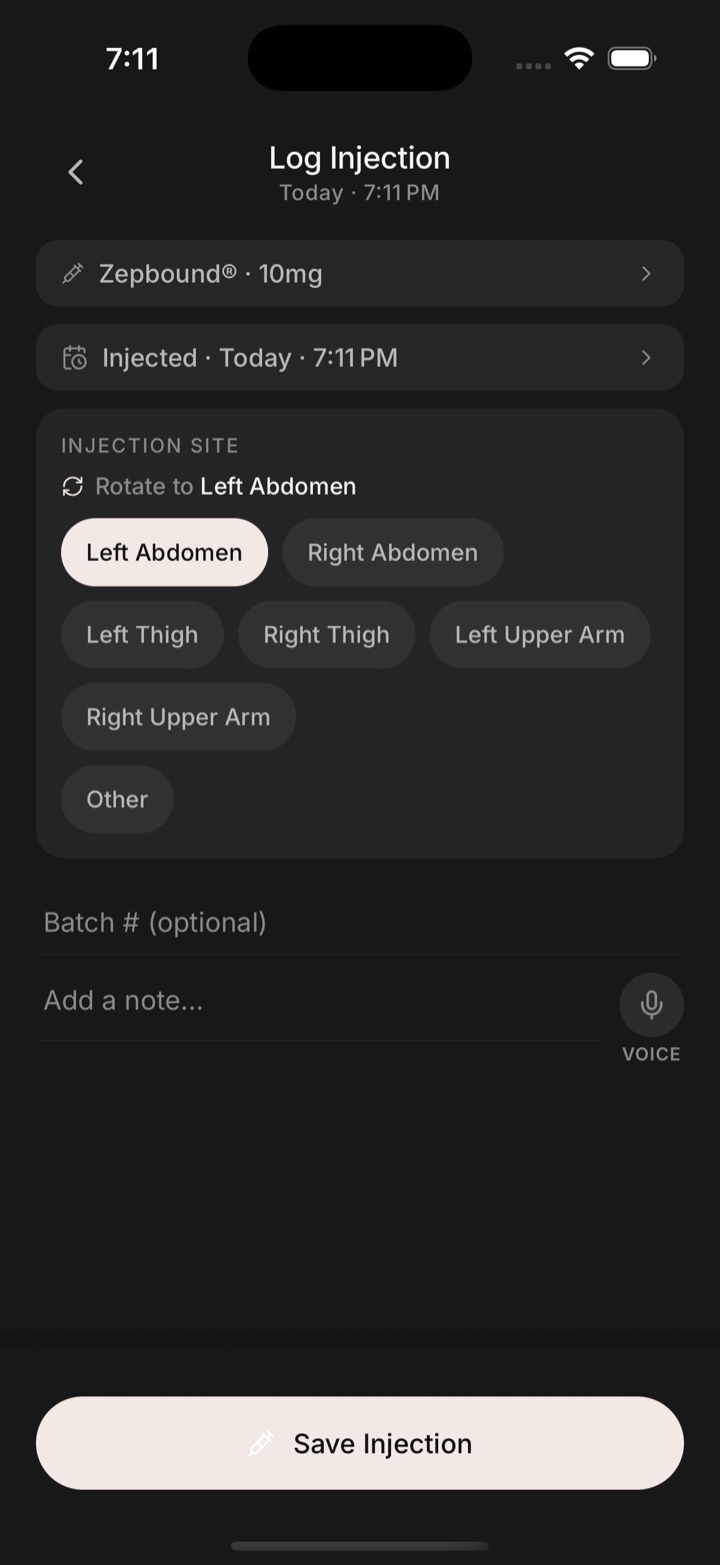
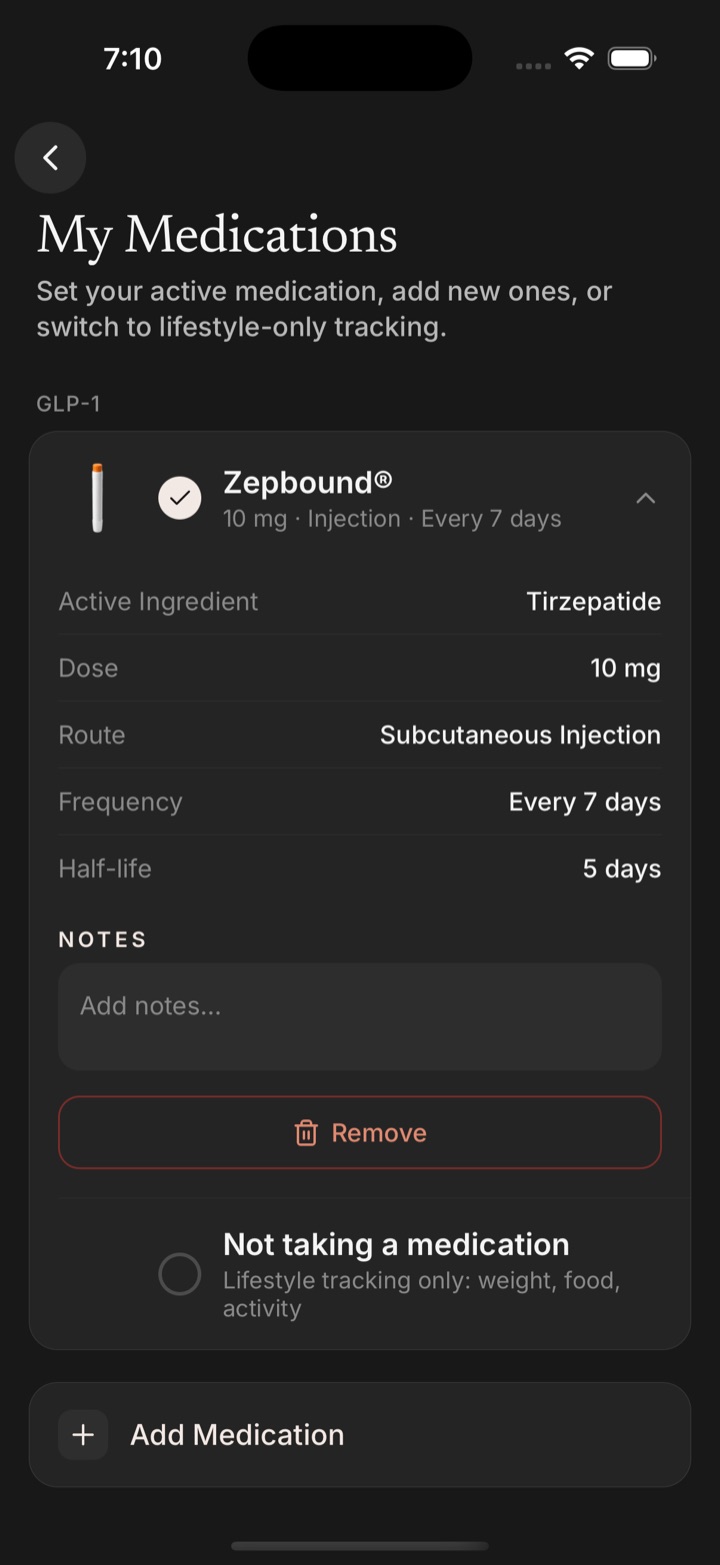
The dose comes first
Peptides, GLP-1s, hormones, orals. Logging a dose takes the product, the amount, the site to rotate to next and a note by voice.
- Titration schedules and washout handling
- A curve of what is still in the body
- Side effects tied to the dose they followed
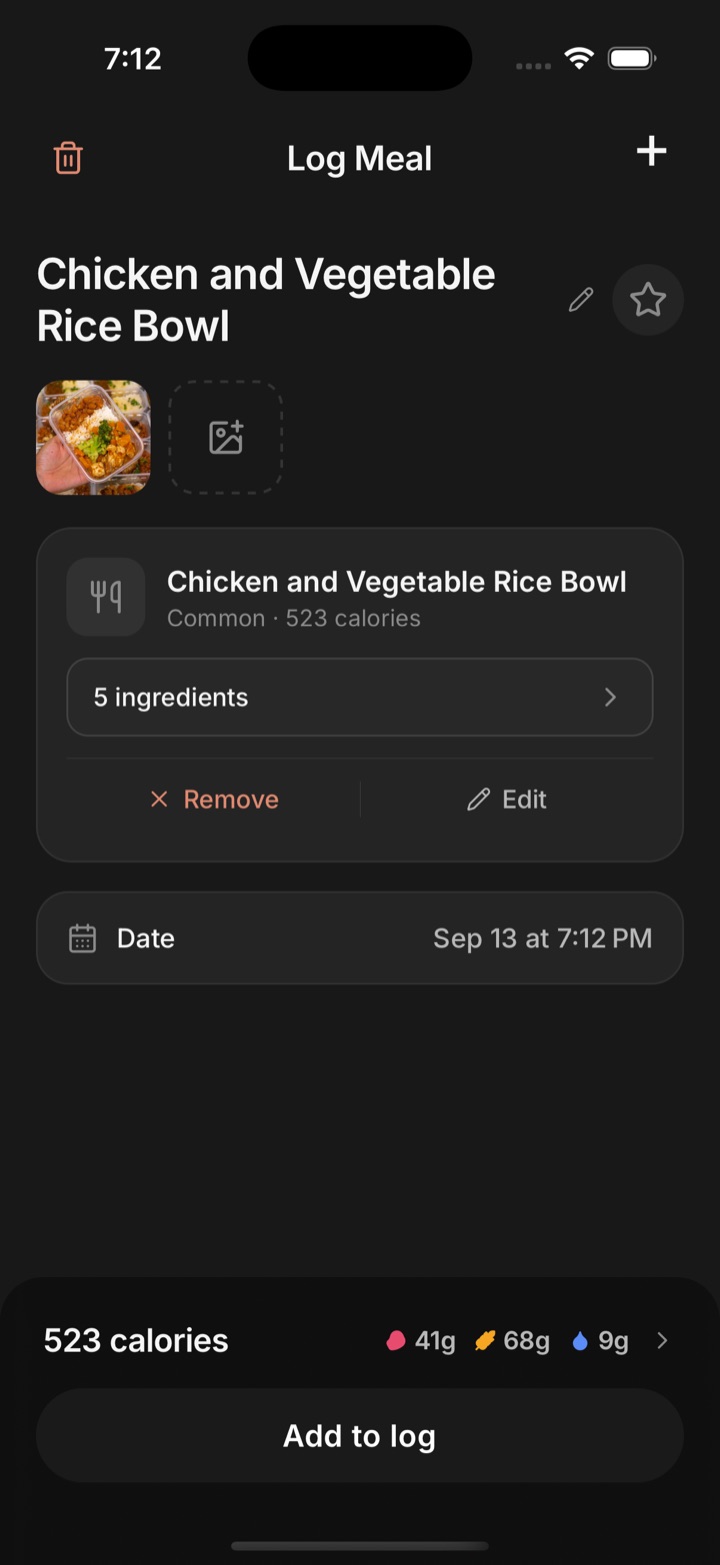
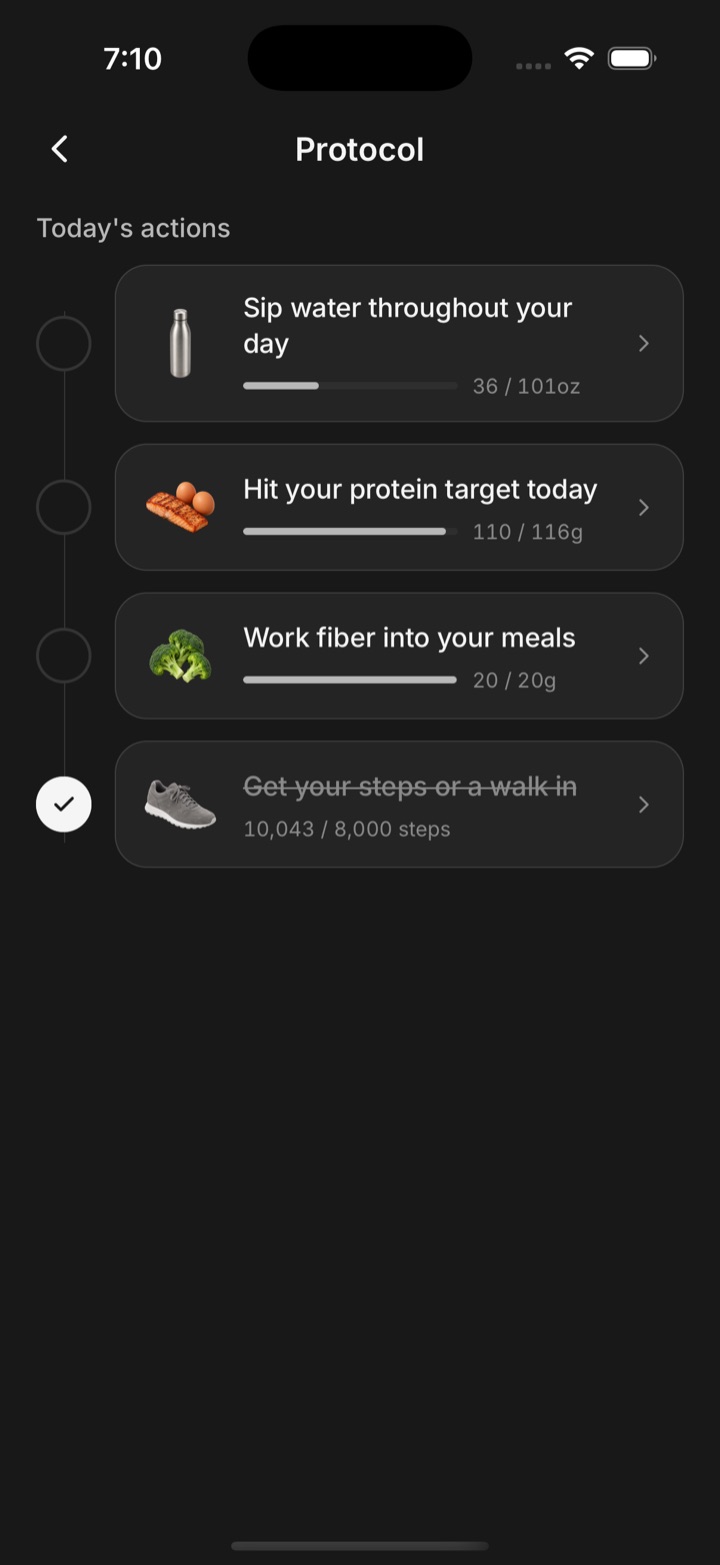
Meals, water, a protocol to tick off
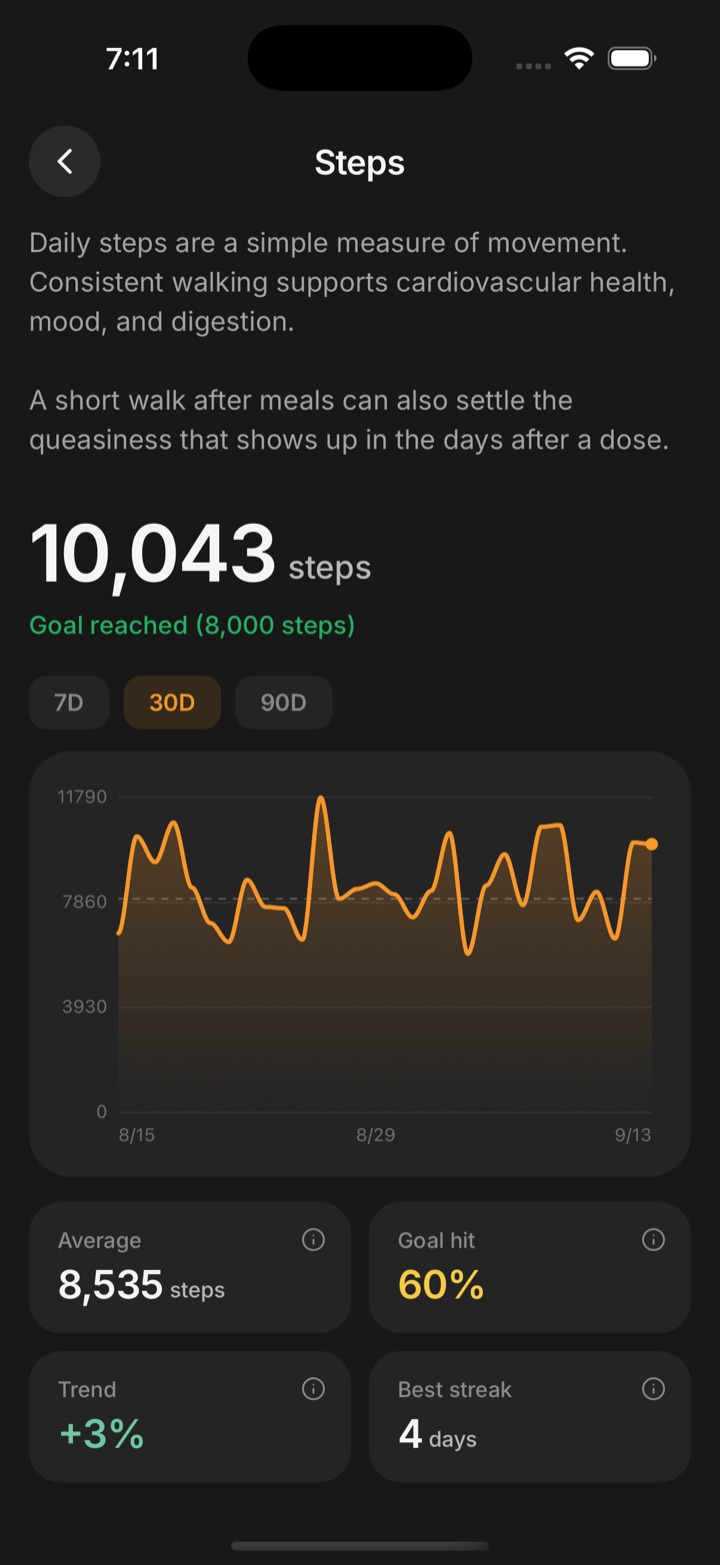
A photo becomes ingredients and macros. Water a glass at a time. Water, protein, fibre and movement targets from the plan, in the order the day happens.
- Meals by photo, voice or text
- Mood with energy and what's contributing
- Steps and sleep from the watch, nothing to type
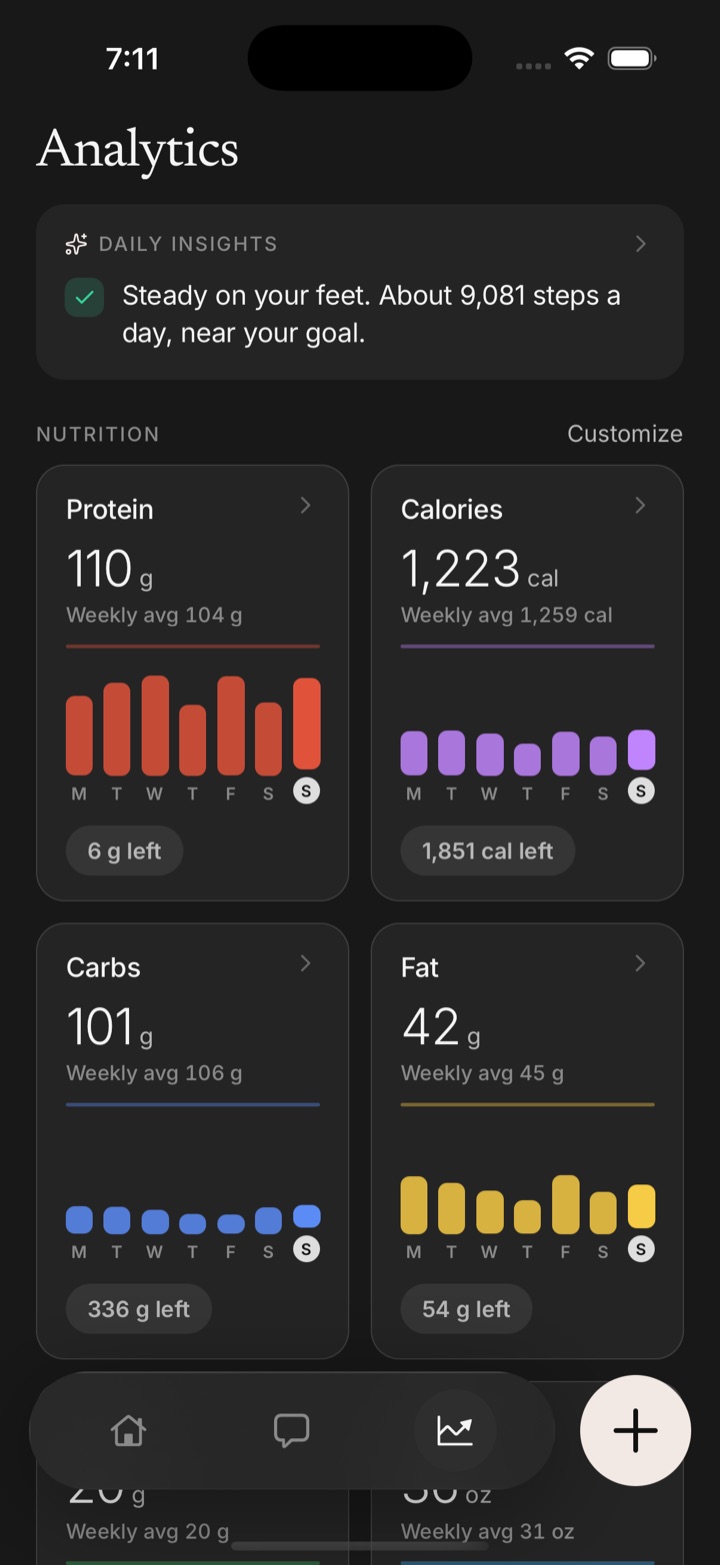
Progress you can put next to itself
Trends over a month. Prompted photos compared then against now, for weight, skin and hair. Short tests for reaction time and other mental functions, scored the same way every time.
- Weekly view of every macro and every metric
- Daily insight lines from the patient's own data
- Validated instruments, 19 of them, scored over time
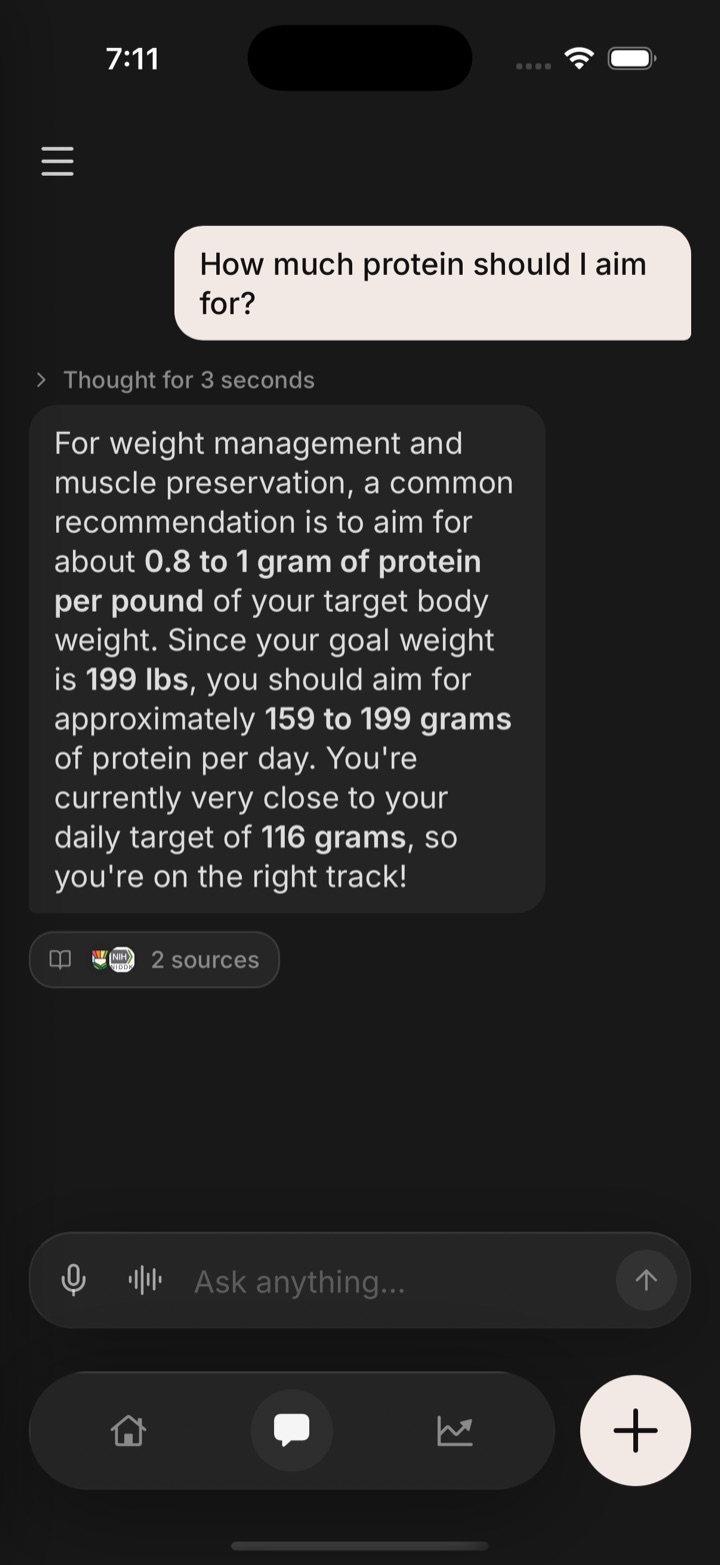
An assistant that knows the plan
Patients ask in plain language: how much protein, what to do about nausea on dose day, whether a missed dose matters. It answers from their own treatment, targets and logs, cites its sources, and never guesses at anything clinical.
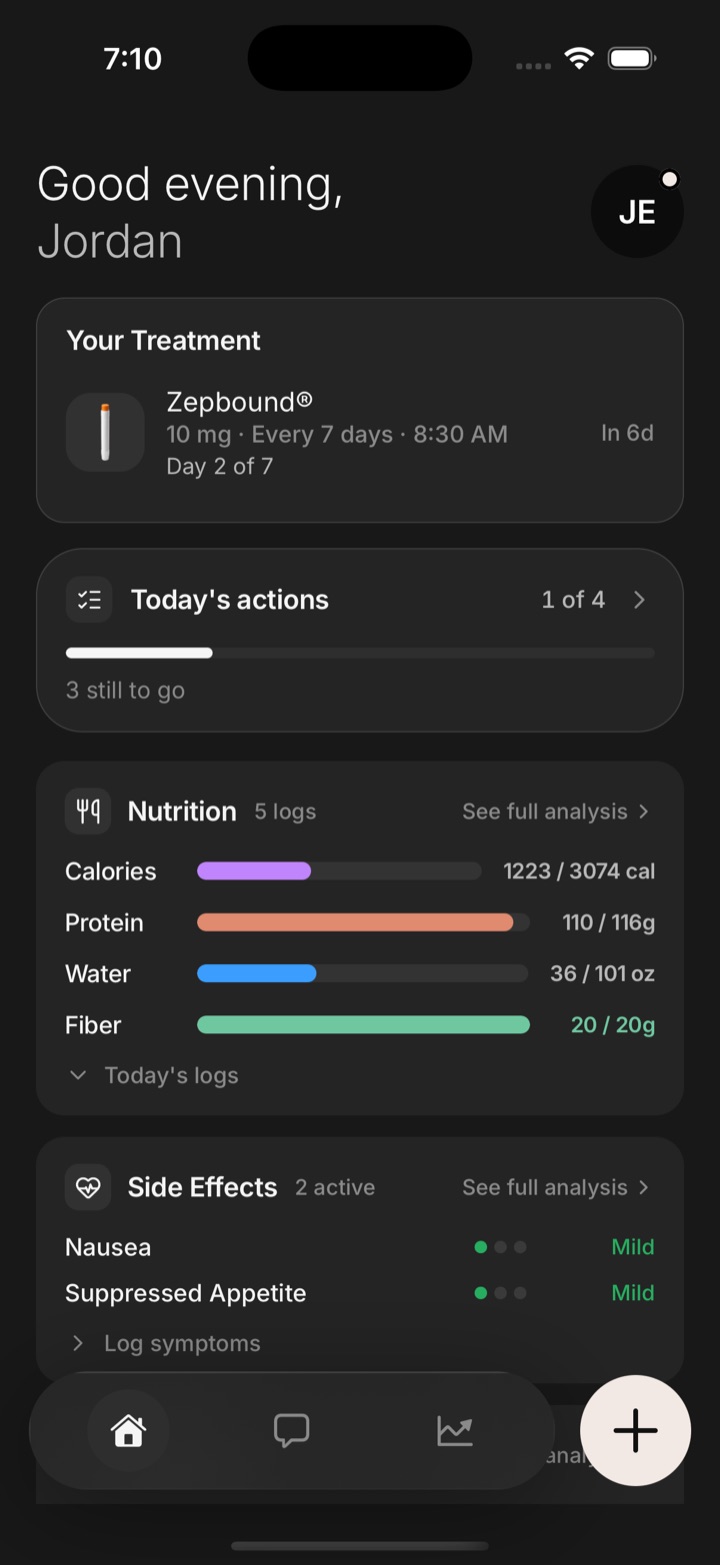
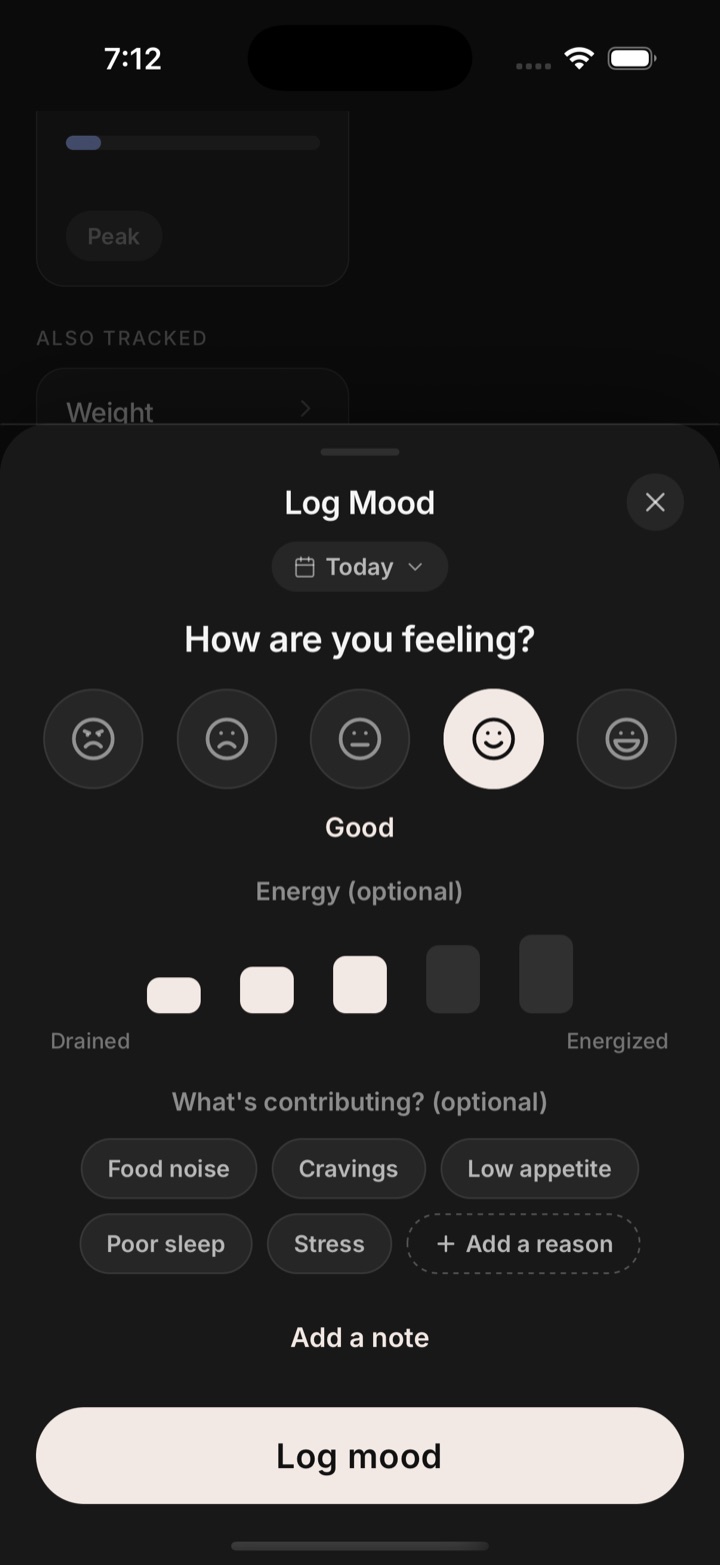
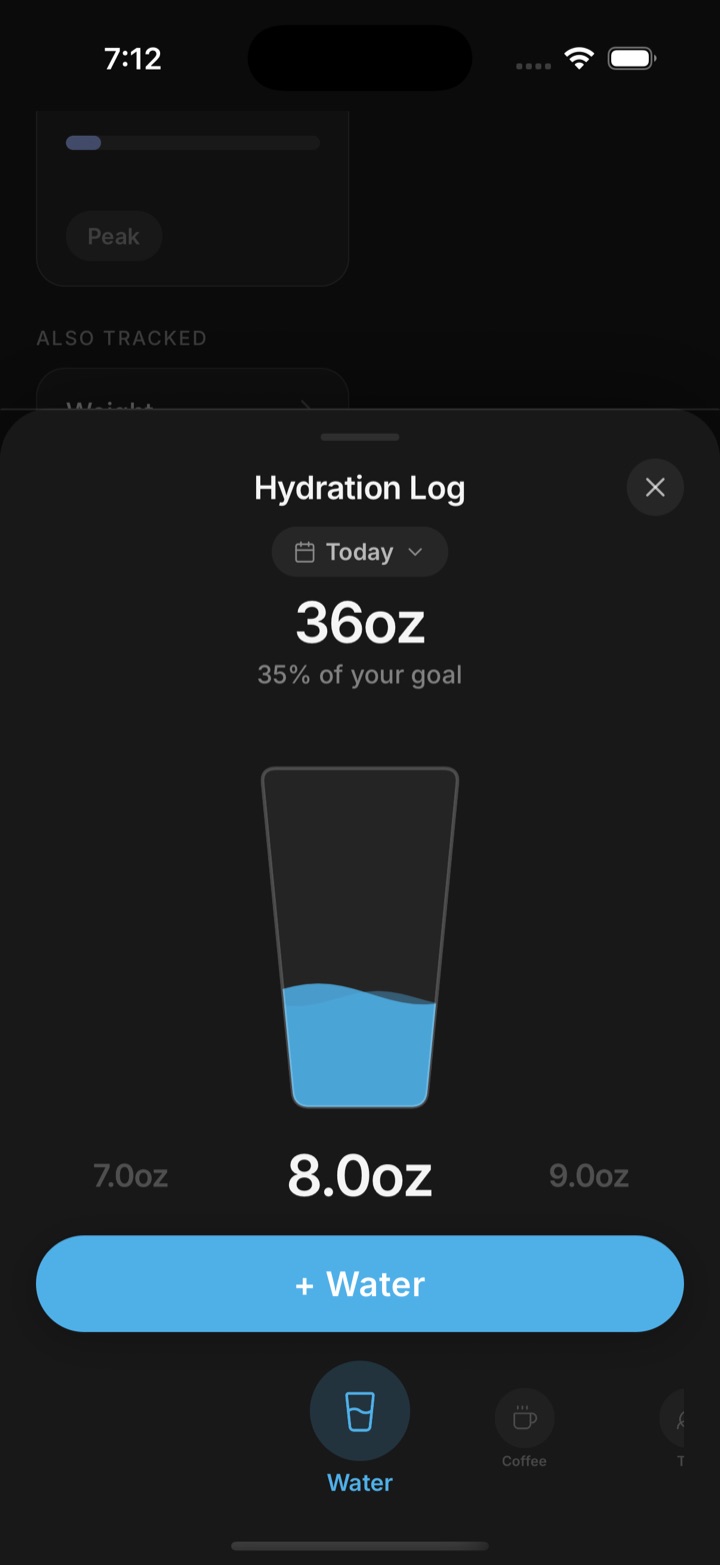
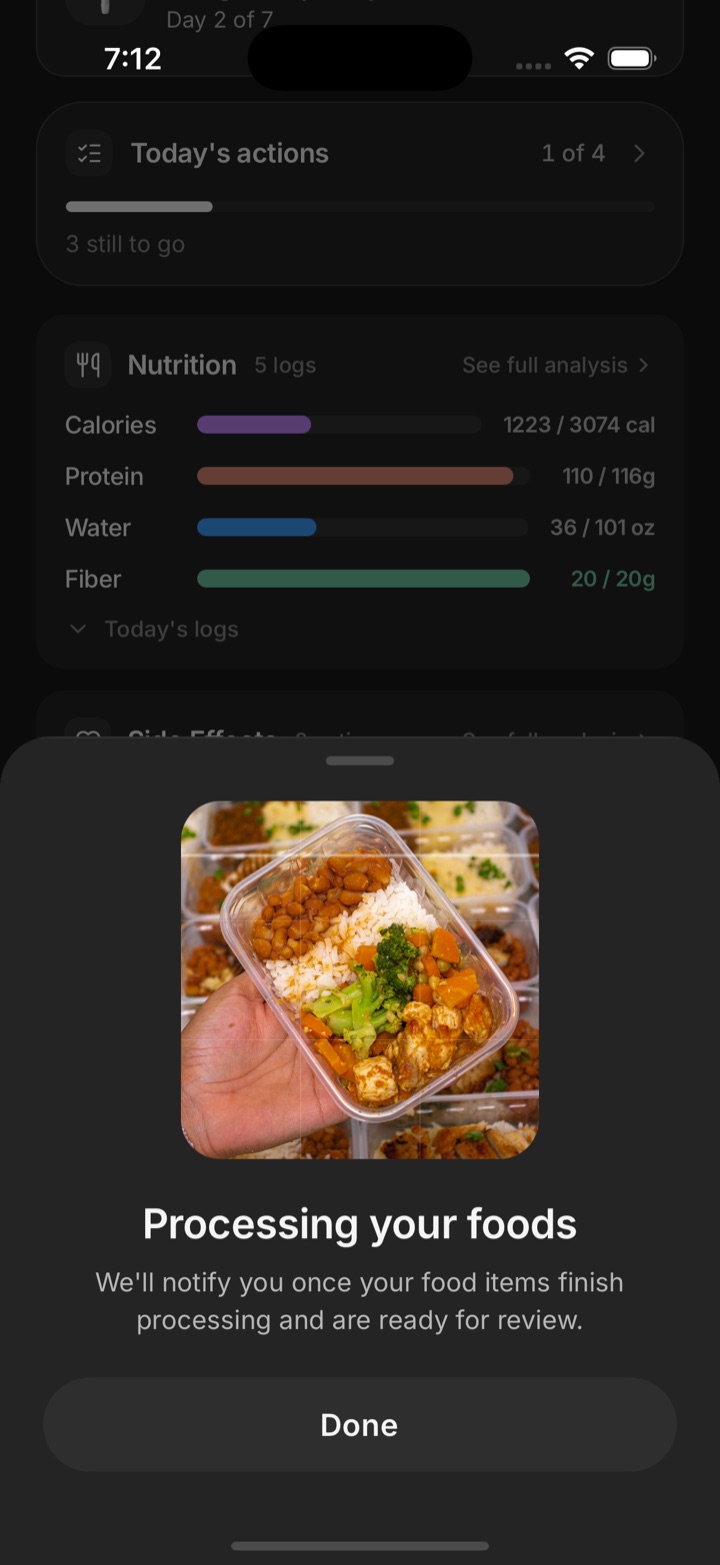
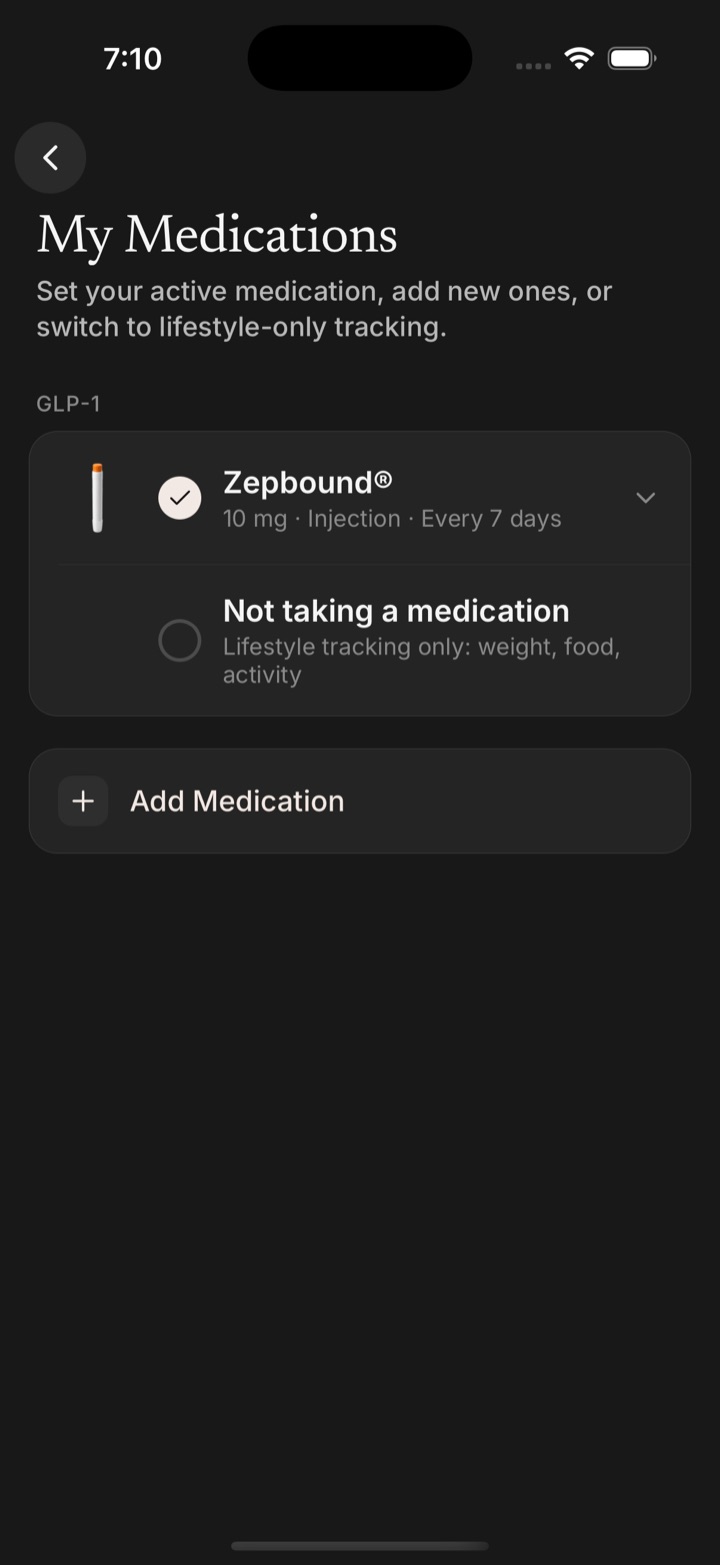
What the last month looked like, before the patient sits down.
A staff web app for the front desk and the exam-room tablet. A window onto the same data the patient sees, with the clinic's own record beside it.
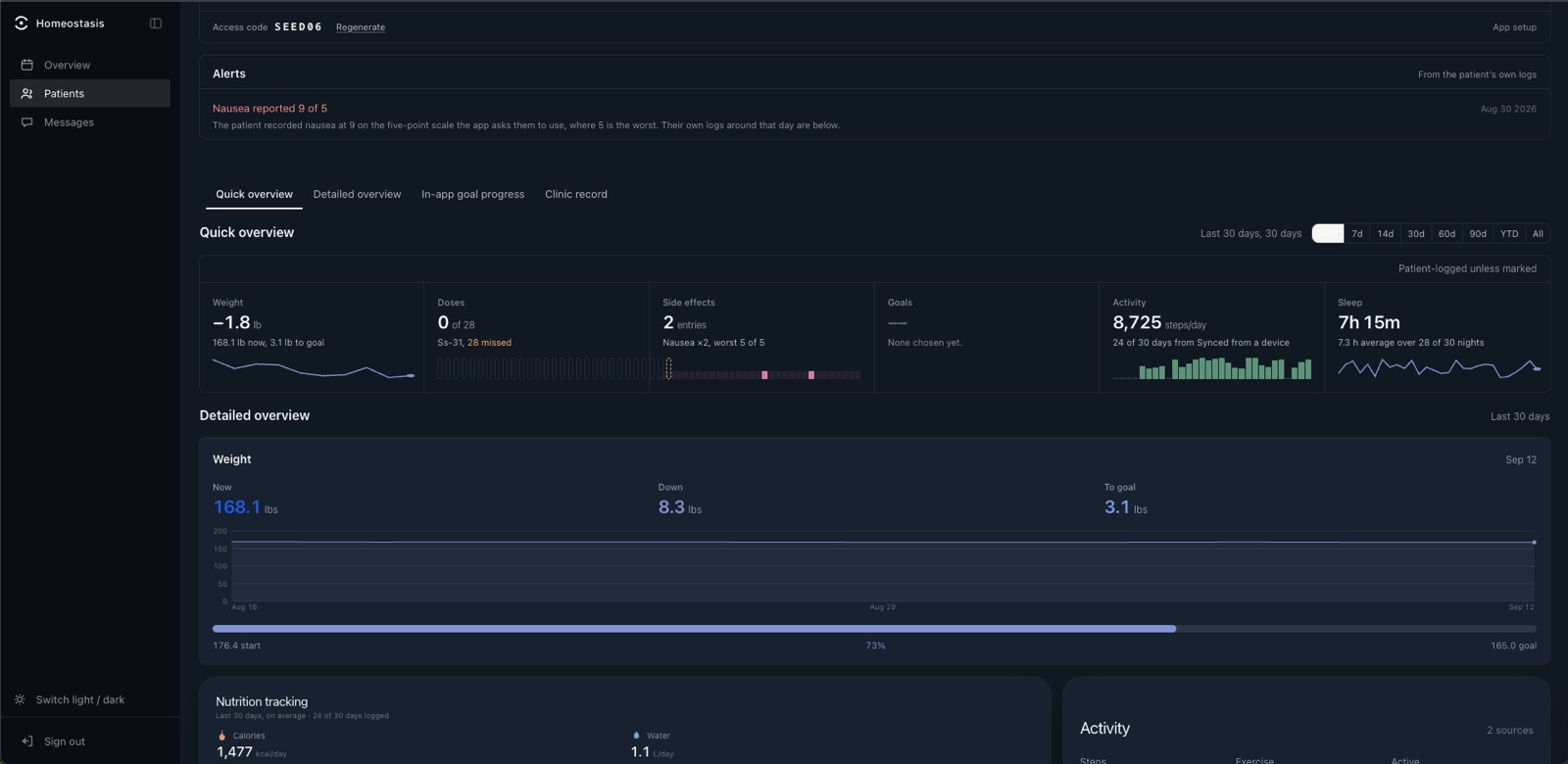
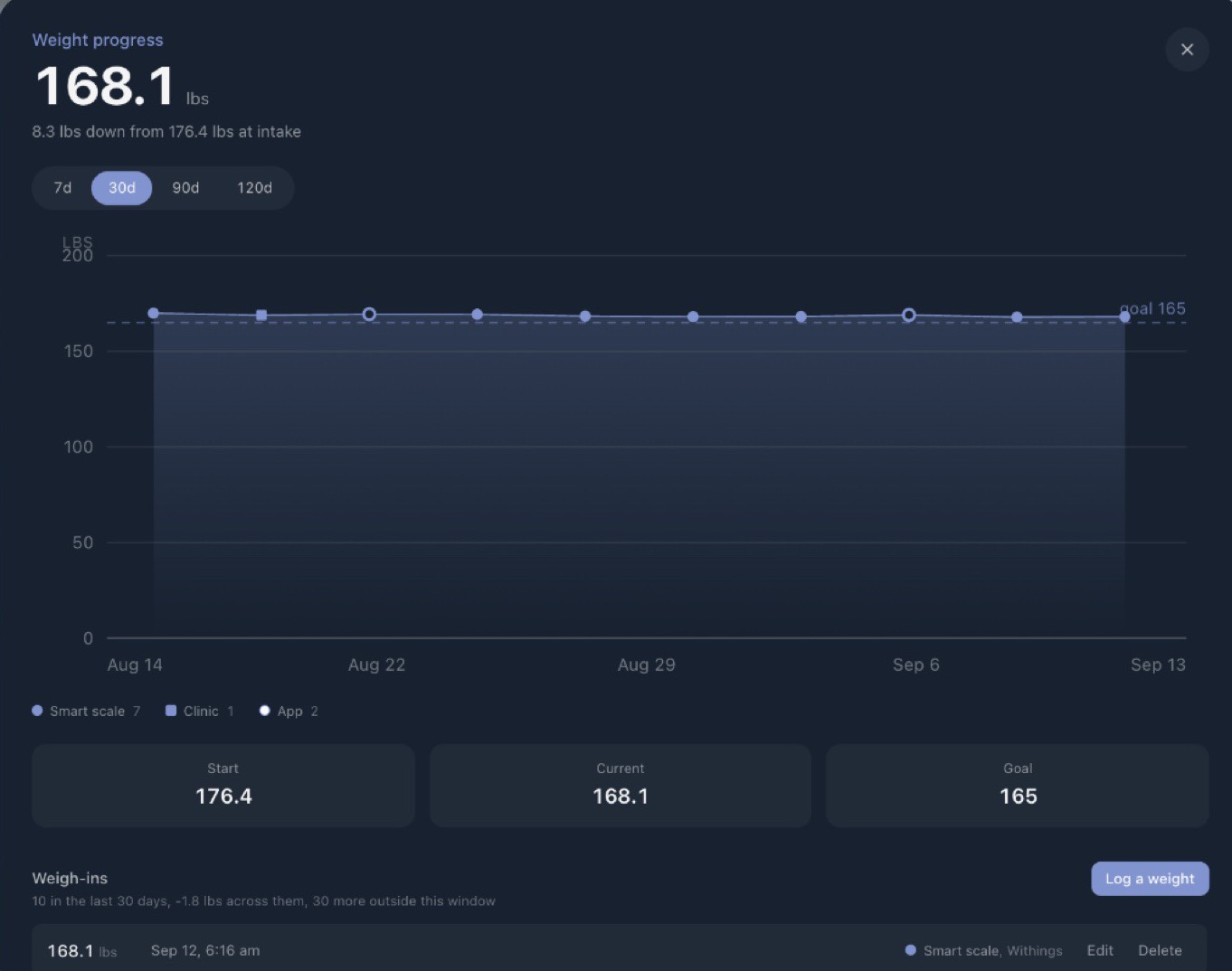
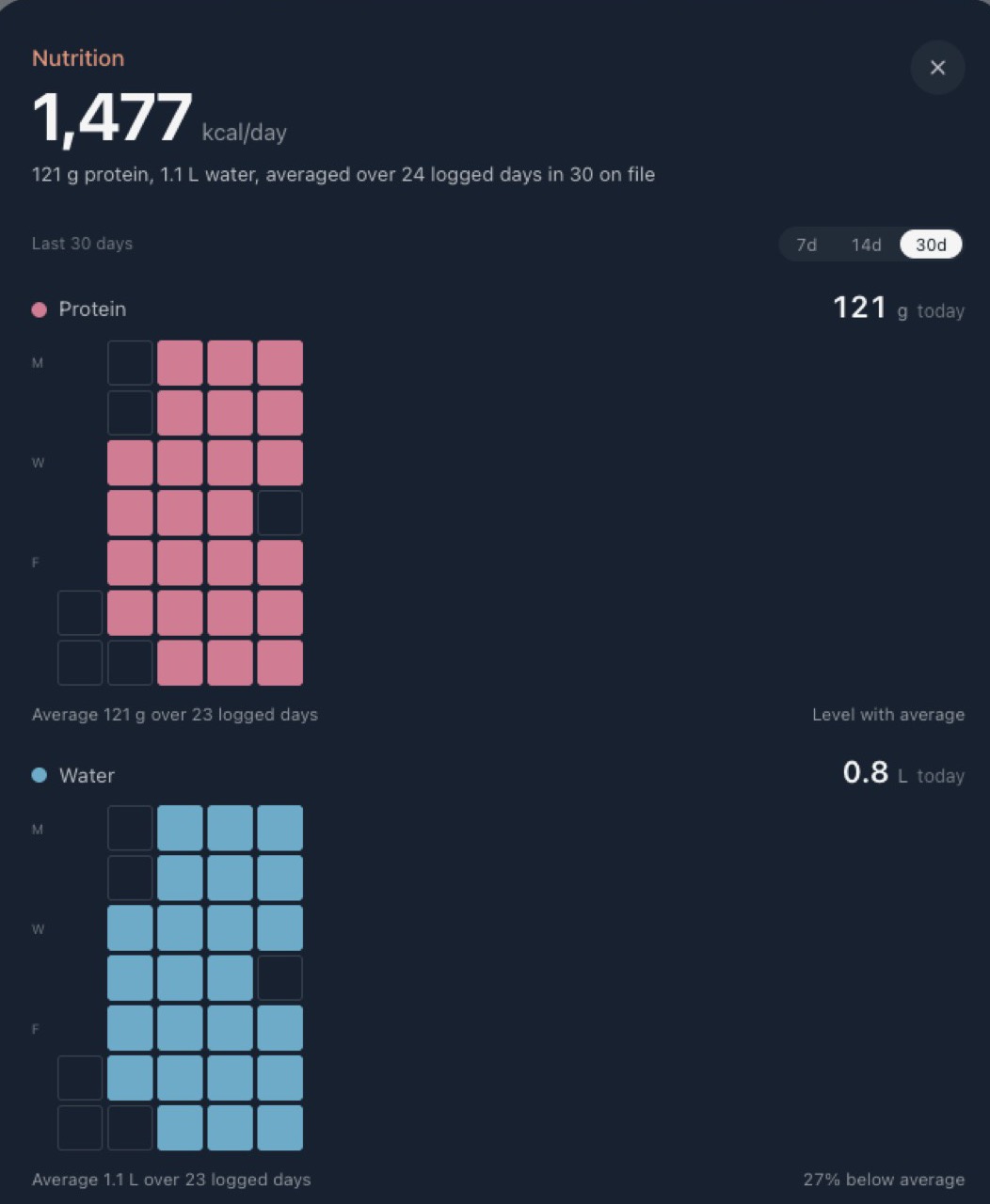
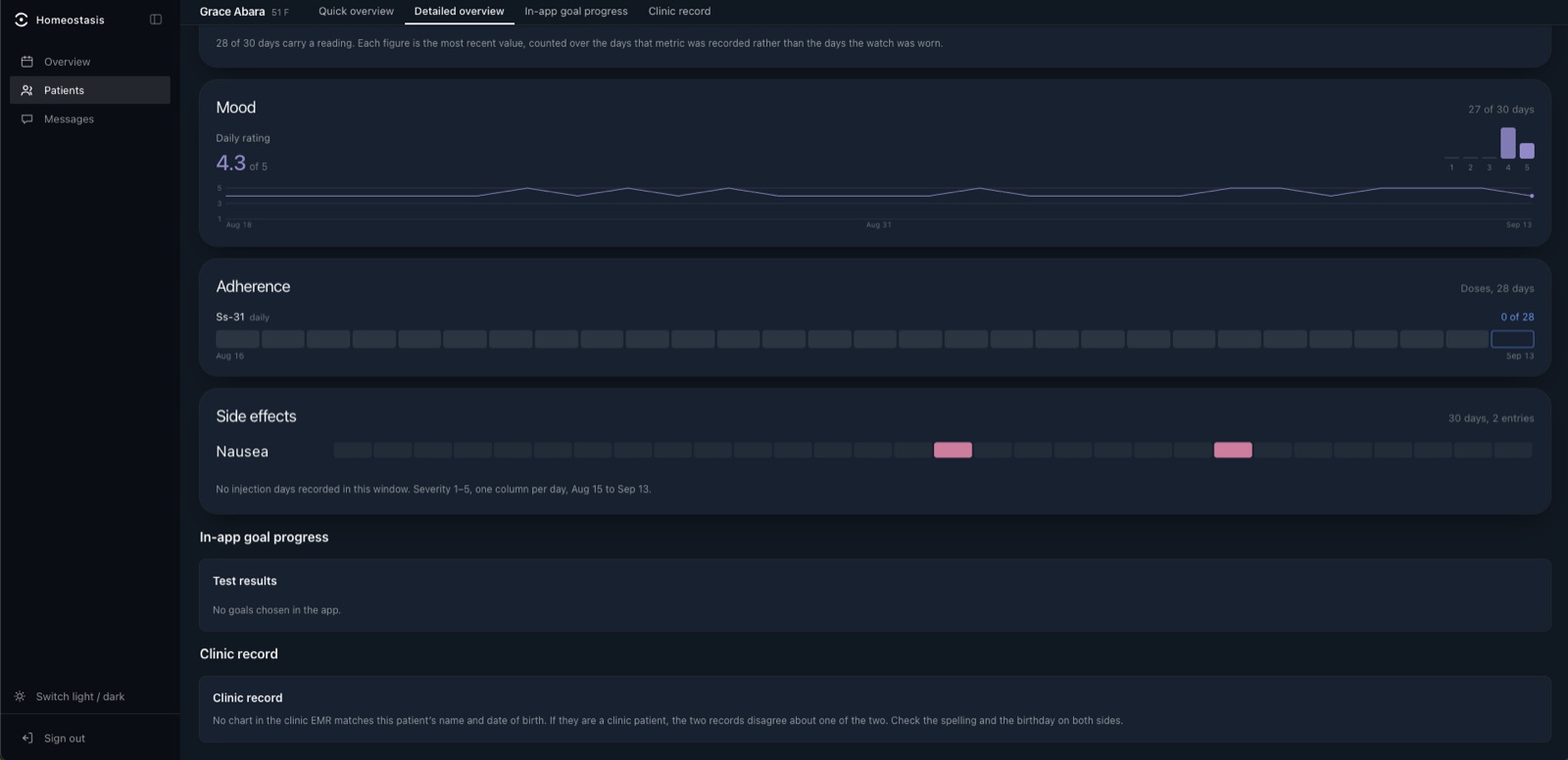
The account exists before the patient does.
The clinic creates it from the chart. The patient claims it with a code and their birthday. No sign-up screen, no password to forget.
- 01 · Clinic
Pick charts
Select the patients starting a treatment and provision them from the dashboard, one or in bulk.
- 02 · Dashboard
An account with no password
Name, birthday, height, starting weight and medications come off the chart. The plan is loaded and waiting.
- 03 · Clinic
Hand over a code
Eight characters, printed on a card or read out in the room. That is the entire handoff.
- 04 · Patient
Install, type, done
The patient enters the code and their birthday. The home screen already knows them, with the clinic's name on it.
- 05 · Both
The month fills in
From the next log onward the dashboard fills in. At the next visit, staff open the patient's page in the room.

See it with your treatments loaded.
A 30-minute walkthrough of the app and the dashboard, with your products in it. Email us and we will set a time.
Email support@titrahealth.io